PLUS UNO
DETAILS
TIMELINE
November 2025 - Present
ROLE
Product Designer working with a PM, later scaled to a team of 5
RESPONSIBILITY
Led foundational design work for an AI-assisted workflow at PLUS — building the context layer, improving tool output, and scaling it across the team.
CONTEXT
PLUS is a virtual tutoring platform that aims to bridge gaps in math education, empowering middle school with AI technology and research-backed methods.
PROBLEM
PLUS has designers who rotate every 4-5 months. Every cohort restart meant losing product context, design system knowledge, and team conventions, slowing onboarding to 4-6 weeks
AI can theoretically expedite this, but reloading context is very time-consuming for each session. Could we build a system where that knowledge persists — so new designers hit the ground running, and AI stops starting from zero every session?

WHERE WE STARTED
Two people, a lot of new tools, and no established answer. We started with Cursor, since we had a free Pro Plan. But as the weeks went by, new tools kept updating, and we had to experiment with them to make sure what we were doing wouldn't become obsolete.
THE PIVOT AND FOUNDATION
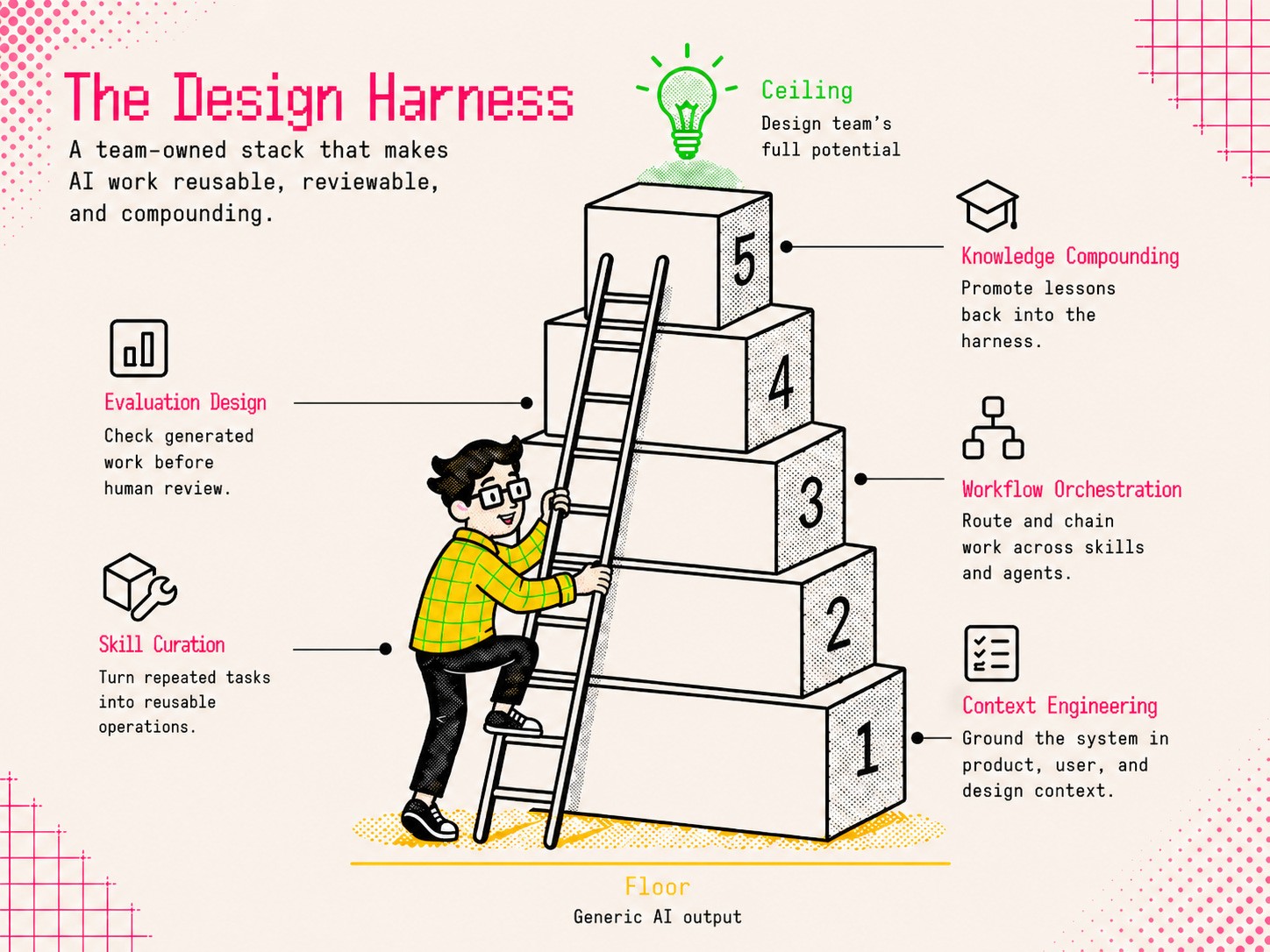
Instead of focusing on a specific tool, we decided to plan the foundation of what we wanted to build.
KEY DECISIONS
We made some key architectural decisions for the tool as we progressed. Every decision we made was in service of one goal: making context persist across sessions, no matter if you're new or have used the tool in the past, and to improve tool performance and consistency.
Dropped HTML/CSS & vanilla JavaScript and moved code language to React Bootstrap
Our codebase runs on HTML/CSS vanilla JavaScript Bootstrap — but AI models produce significantly better output with modern frameworks, so we moved to React Bootstrap and accepted the gap from production in exchange for consistently usable prototypes.
HTML/CSS + vanilla JS
React Bootstrap
Matches codebase?


Matches design system easily?
Prototype Functionality
Low
High
Context Routing System
We structured the design system into modular markdown files — components, tokens, layouts — router files would direct AI to read only the relevant context for a given task, rather than processing everything at once.
Sticking to Cursor
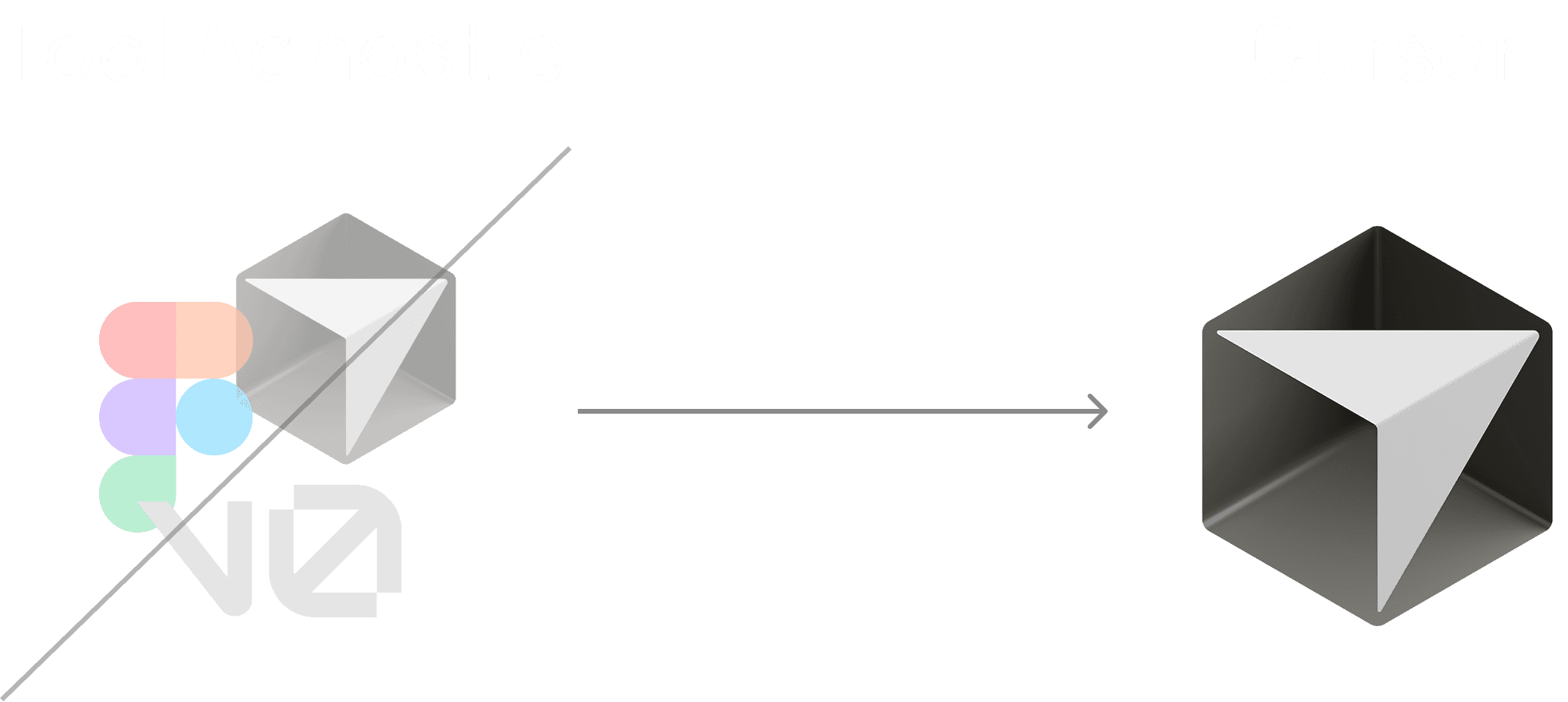
Our hope was to package the tool up into an NPM package so that it could become tool-agnostic - especially utilizing it in Figma Make. However, it didn't work, and we decided to stick with Cursor, since it had the strongest capabilities.
SOLUTION
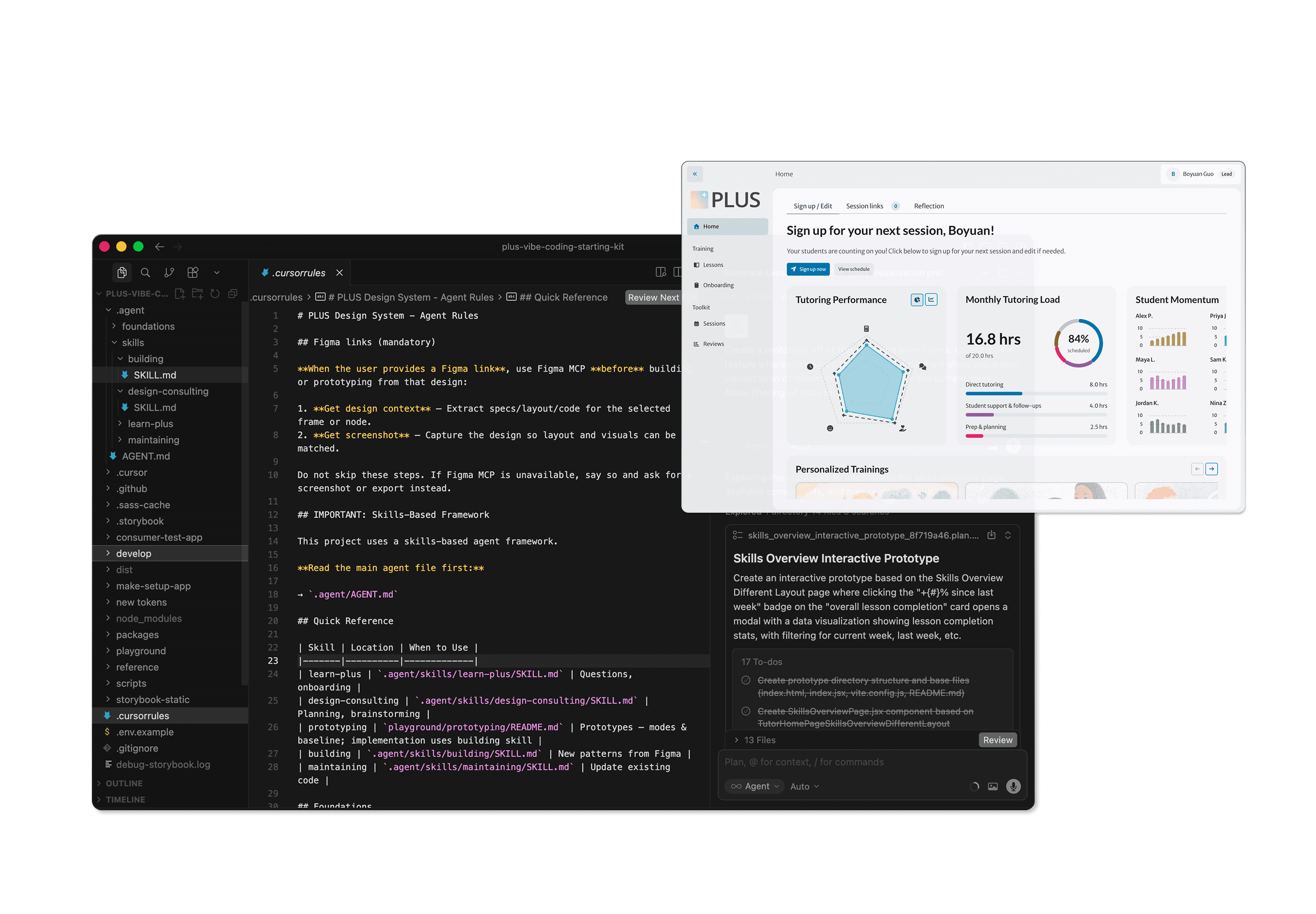
I built PLUS UNO - an AI-assisted prototyping tool & workflow that uses the PLUS design system as a persistent context layer — so designers can go from PRD to high-fidelity, interactive prototype without rebuilding context from scratch every time.
Storybook - a documentation of PLUS design system - source of truth in code for the tool to work with, while also allowing designers to understand how components interact in real time
Skills & Modes - a structured framework that tells the AI how to behave depending on the task — whether that's consulting on layout or rapidly prototyping a new idea. Modes define the mindset, skills define the action.
Mode
Typical user signals
What it's for
Learning
“What is…”, “How does…”, “Where is…”
Discovery and orientation: explain what exists, how it works, where it lives—no new implementation.
Maintaining
“Update the component”, “Sync tokens”, “Add to the DS”
Change design-system source: components, APIs, stories, styles, token sync/regeneration, DS docs/scripts.
Consulting
“What should the layout be”, “Help me plan the page”
Structure-first work early on: IA, page structure, layout/wireframe thinking—greyscale, hierarchy over polish.
Iteration
“Show me options”, “Compare approaches”
3–5 distinct directions with tradeoffs; mid-fidelity comparison before picking a production path.
Rapid Prototyping
"Build this"
High-fi, low-rigor PoC to test one idea; looks right, less concern for production wiring.
Finalization
"Finalize this prototype"
Production wiring of the prototype, making sure it uses components and tokens correctly
Skill
Typical triggers
What it's for
uno-prototype
Scaffold / new prototype / create playground
Scaffolds a playground prototype under playground/; often first step when exploring a new idea.
uno-review
Review / check / validate / quality check; “done” / “ready”
Quality gate before shipping—treat as read-only review; on pass
uno-post
Submit / publish / add to market
Publishes to the marketplace flow by writing the marketplace data file (after review passes).
uno-compound
Document / write up / compound; after significant work or session end
Captures learnings (e.g. solution docs under docs/solutions/), may suggest instruction updates.
Rapidly generate interactive, high-fidelity prototypes - designers, developers, and PMs to visualize how designs & components interact in real time
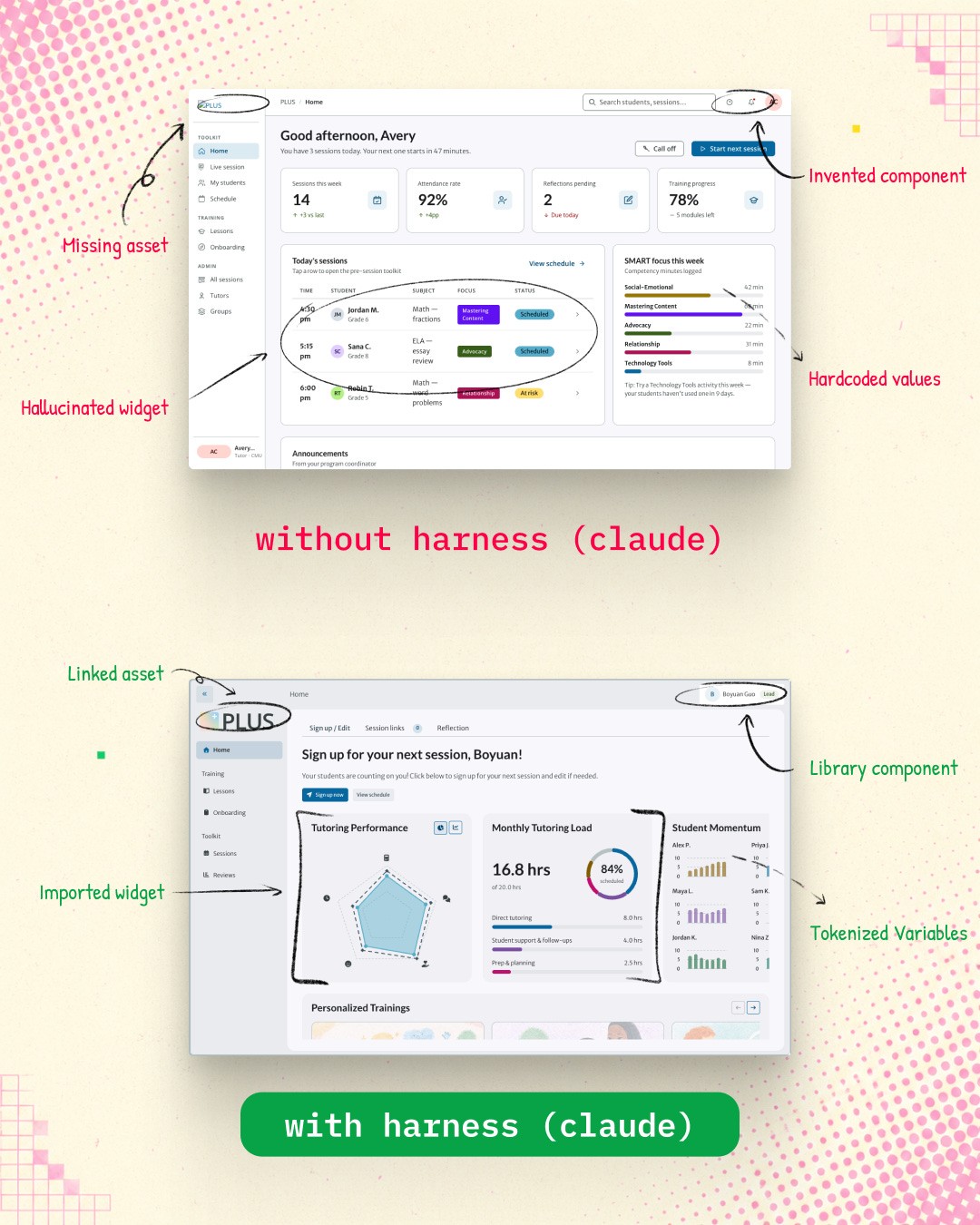
Prototype Market- allow a centralized platform to host all prototypes for easy viewing
THE NEW WORKFLOW
Rather than waiting for a fully polished Figma prototype, designers and PMs can generate a hi-fi interactive prototype from a PRD and get real feedback from users and developers immediately — iterating directly in the tool before ever touching Figma.

EARLY OUTCOMES*
Onboarding time dropped from 4–6 weeks to under 1 week for new designers
Design system coverage expanded as documentation was structured for AI consumption
Product managers began handling minor design tasks independently, reducing designer bottleneck
LEARNINGS/REFLECTIONS
Choose when and how to use AI.
AI won't replace every aspect of the design process, nor will it replace the same aspect every time.
Build for the workflow, not the tool.
Working in a space where the tools are updating faster than you can evaluate them forces you to build workflows that are tool-agnostic enough to survive change. The NPM package attempt was a lesson in that.
Good quality input = Good quality output
The quality of AI output is only as good as the context you give it. Investing in the documentation and structure upfront is what made the outputs actually usable.